Building for Offline: Why Progressive Web Apps Still Matter
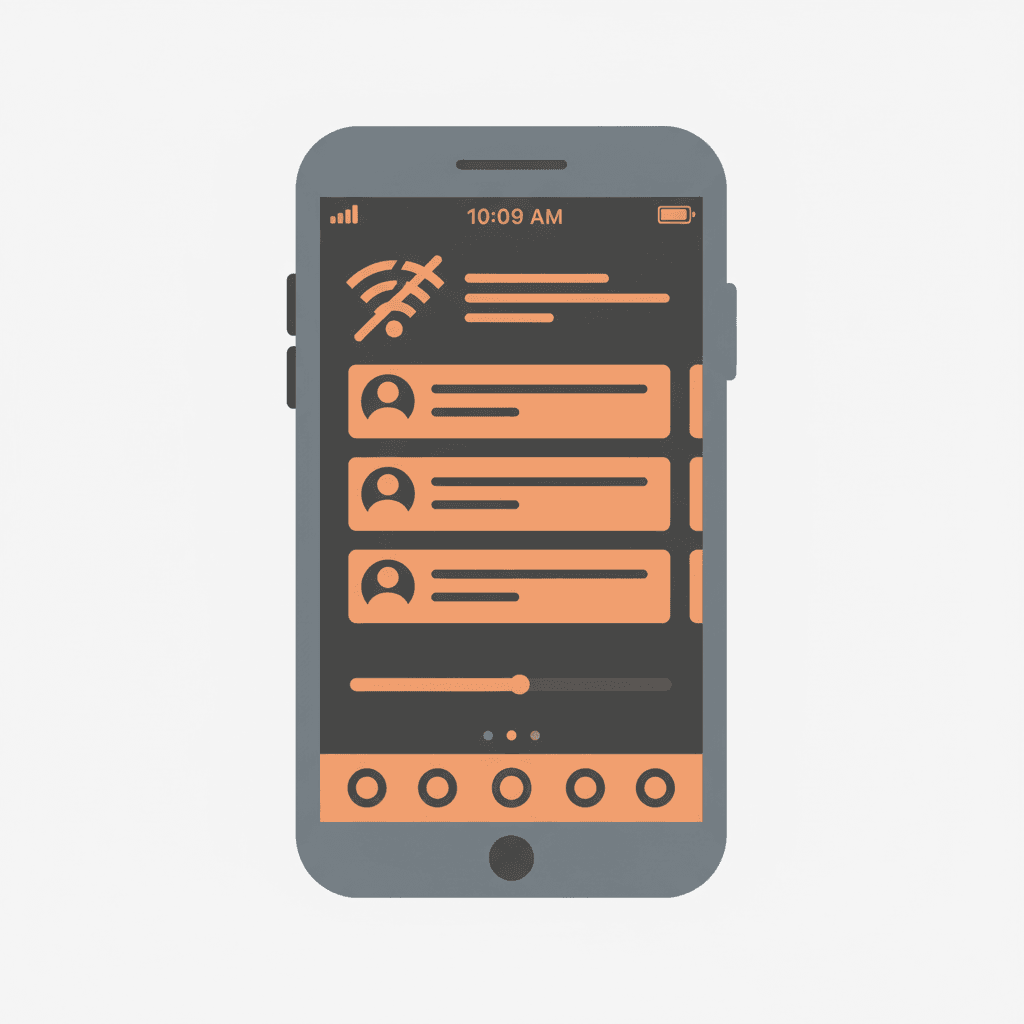
Building for Offline: Why Progressive Web Apps Still Matter
Last December, I was demo-ing a client's web application to potential investors at a conference in Lomé. The venue's WiFi buckled under the load of 300 attendees, and my beautifully designed SPA showed a white screen and a spinner that would spin until the heat death of the universe.
The investor smiled politely and moved to the next booth.
That ten-second failure — caused by nothing more exotic than a congested WiFi network — cost my client a conversation that could have been worth six figures. And it was completely preventable.
The Connectivity Myth
Developers in well-connected cities design for always-on internet. It's an unconscious assumption baked into every fetch() call, every real-time subscription, every lazy-loaded component.
But the reality is rougher than our dev environments suggest:
- 1.4 billion people have mobile connections slower than 2 Mbps
- Even in urban centers, mobile connectivity drops regularly — underground transport, elevators, dense buildings, event venues, rural areas between cell towers
- The average global mobile connection experiences 15-20% packet loss during peak hours
- Africa and South Asia, two of the fastest-growing internet markets, have some of the most variable connectivity globally
If your application shows a blank screen when the network hiccups, you're not building for the world your users live in.
What a PWA Actually Does
A Progressive Web App isn't a framework or a library. It's a set of capabilities that make a web application behave more like a native app:
Service Workers — A JavaScript file that acts as a programmable network proxy. It intercepts every network request your app makes and decides how to handle it: serve from cache, fetch from network, or return a fallback.
Web App Manifest — A JSON file that tells the browser how your app should behave when installed: name, icons, theme color, display mode, orientation.
HTTPS — Required for service workers. Not optional.
These three ingredients, combined with good architecture decisions, produce an app that:
- Loads instantly on repeat visits (everything is cached)
- Works without internet connection (cached pages and data)
- Can be installed on the home screen (appears alongside native apps)
- Sends push notifications (where supported)
The Service Worker Mental Model
The service worker is the brain of a PWA, and understanding its lifecycle is essential.
Think of it as a librarian sitting between your app and the internet. When your app asks for something — a page, an API response, an image — the librarian checks if it's on the local shelf first. If it is, it hands it over immediately. If not, it goes to fetch it from the network, and optionally saves a copy for next time.
// sw.ts — A basic service worker
const CACHE_NAME = "ayiha-blog-v1";
const STATIC_ASSETS = [
  "/",
  "/blog",
  "/offline",
  "/globals.css",
  "/fonts/InstrumentSerif-Regular.ttf",
];

// Install: Pre-cache essential assets
self.addEventListener("install", (event) => {
  event.waitUntil(
    caches.open(CACHE_NAME).then((cache) => {
      return cache.addAll(STATIC_ASSETS);
    }),
  );
});

// Fetch: Serve from cache, fallback to network
self.addEventListener("fetch", (event) => {
  event.respondWith(
    caches.match(event.request).then((cached) => {
      if (cached) return cached;

      return fetch(event.request)
        .then((response) => {
          // Cache successful responses for future use
          if (response.ok) {
            const clone = response.clone();
            caches.open(CACHE_NAME).then((cache) => {
              cache.put(event.request, clone);
            });
          }
          return response;
        })
        .catch(() => {
          // Network failed, return offline page
          return caches.match("/offline");
        });
    }),
  );
});
This is the "cache-first, network-fallback" strategy — and it's the right default for most content-heavy sites. For data that changes frequently (API responses, user data), you'd use "network-first, cache-fallback" instead: try the network, fall back to cache if it fails.
Caching Strategies for Different Content
Not all content should be cached the same way:
App Shell (Cache-First)
Your navigation, layout, CSS, JavaScript, and fonts rarely change. Cache them aggressively and only update on new deployments.
Blog Posts / Articles (Stale-While-Revalidate)
Serve the cached version immediately for instant loading, but fetch a fresh copy in the background. Next time the user visits, they get the updated version. This is the best of both worlds for content that updates occasionally.
API Data (Network-First)
User-specific data, search results, and real-time information should try the network first. Only fall back to cache when offline.
Images (Cache-First with Size Limit)
Cache images aggressively but set a storage limit. When the cache exceeds the limit, evict the oldest entries.
// Stale-while-revalidate strategy
self.addEventListener("fetch", (event) => {
  if (event.request.url.includes("/blog/")) {
    event.respondWith(
      caches.open(CACHE_NAME).then(async (cache) => {
        const cached = await cache.match(event.request);
        const fetchPromise = fetch(event.request).then((response) => {
          cache.put(event.request, response.clone());
          return response;
        });
        return cached || fetchPromise;
      }),
    );
  }
});
Offline UX Patterns
The technical implementation is one half. The other half is designing an experience that feels intentional when offline, not broken.
Communicate State Clearly
When the user is offline, tell them — but don't be dramatic about it. A subtle banner saying "You're offline — showing saved content" is more helpful than blocking the entire screen.
Queue Actions for Later
If a user tries to submit a form, save a comment, or perform any write operation while offline — don't show an error. Queue the action in IndexedDB and sync it when connectivity returns.
// Queue offline actions
async function submitForm(data) {
  try {
    await fetch("/api/contact", { method: "POST", body: JSON.stringify(data) });
  } catch {
    // Network failed — queue for later
    const db = await openDB("offline-queue");
    await db.add("actions", {
      type: "submit-form",
      data,
      timestamp: Date.now(),
    });
    showNotification("Saved! Will send when you're back online.");
  }
}
Pre-Cache Predictively
If a user is reading article #3, they'll probably want article #4 next. Prefetch it while they're still reading. Same with navigation: if they visit /blog, prefetch the first few blog posts.
Why PWAs Over Native (for Most Uses)
The economics aren't even close for most business applications:
| Factor | PWA | Native App |
|---|---|---|
| Development cost | 1x (one codebase) | 2-3x (iOS + Android + Web) |
| Update delivery | Instant (no store review) | 1-7 days (store review) |
| Distribution | URL (shareable everywhere) | App Store only |
| Install friction | Zero (just visit) | Download → Install → Open |
| Storage requirement | ~1 MB cached | 50-200 MB installed |
| Offline support | Yes (service workers) | Yes (SQLite, Core Data) |
| Push notifications | Yes (except iOS Safari, partial) | Yes |
The main remaining gap is iOS, where Apple has historically limited PWA capabilities. But even this is improving — iOS 16.4 added push notifications for installed PWAs, and Web Push support continues to expand.
When PWAs Aren't Enough
Be honest about the limitations:
- Heavy computation: If your app needs GPU-intensive processing (games, video editing, 3D rendering), native is still stronger.
- Deep OS integration: Background fetch, widgets, Siri/Google Assistant integration, health data access — these require native APIs.
- iOS-first consumer products: Apple's App Store remains the primary discovery channel for consumer apps. PWAs don't appear in App Store search.
For everything else — dashboards, content platforms, e-commerce, SaaS tools, internal enterprise apps — a well-built PWA delivers an excellent experience at a fraction of the cost.
Getting Started
If you're building with Next.js (as we do at Ayiha Labs), adding PWA capabilities is straightforward:
- Create a
public/manifest.jsonwith your app metadata - Register a service worker in your root layout
- Implement caching strategies appropriate to your content types
- Add an offline fallback page
- Test on a real device with airplane mode enabled
The investment is 2-3 days of development. The return is an application that works everywhere your users go — including places where the internet doesn't.
In a world building for gigabit fiber, building for no connectivity at all might be the most forward-thinking thing you do.