Version Control for Non-Developers: How Teams Should Manage Digital Assets
Version Control for Non-Developers: How Teams Should Manage Digital Assets
Somewhere in your company right now, there's a folder called "Final Designs" that contains files named logo_final_v2_FINAL_actually-final_john-edits.psd. There's a Google Sheets document with 47 tabs because nobody wanted to delete the old ones. There's a contract that three people edited simultaneously and nobody knows which version was sent to the client.
This problem was solved in software engineering decades ago. It's called version control, and its principles apply to any team that creates and iterates on digital work.
What Version Control Solves
At its core, version control gives you four capabilities:
-
History. Every change is recorded with who made it, when, and why. You can view any previous version of any file at any point in time.
-
Branching. Multiple people can work on different versions simultaneously without interfering with each other. When they're done, changes merge together.
-
Review. Changes can be proposed, discussed, and approved before they're applied. This prevents mistakes and spreads knowledge across the team.
-
Rollback. If something goes wrong, you can revert to any previous state instantly. This removes the fear of making changes.
Engineers use Git for this. But the principles aren't specific to code — they're about managing any creative output that evolves over time.
Git in 5 Minutes (For Humans)
Git is the most widely used version control system. Here's the entire mental model:
A repository is a folder that Git is tracking. Every file in the folder has a complete history of every change ever made to it.
A commit is a snapshot. When you commit, you're saying "save a checkpoint of everything as it is right now." Each commit has a message describing what changed and why.
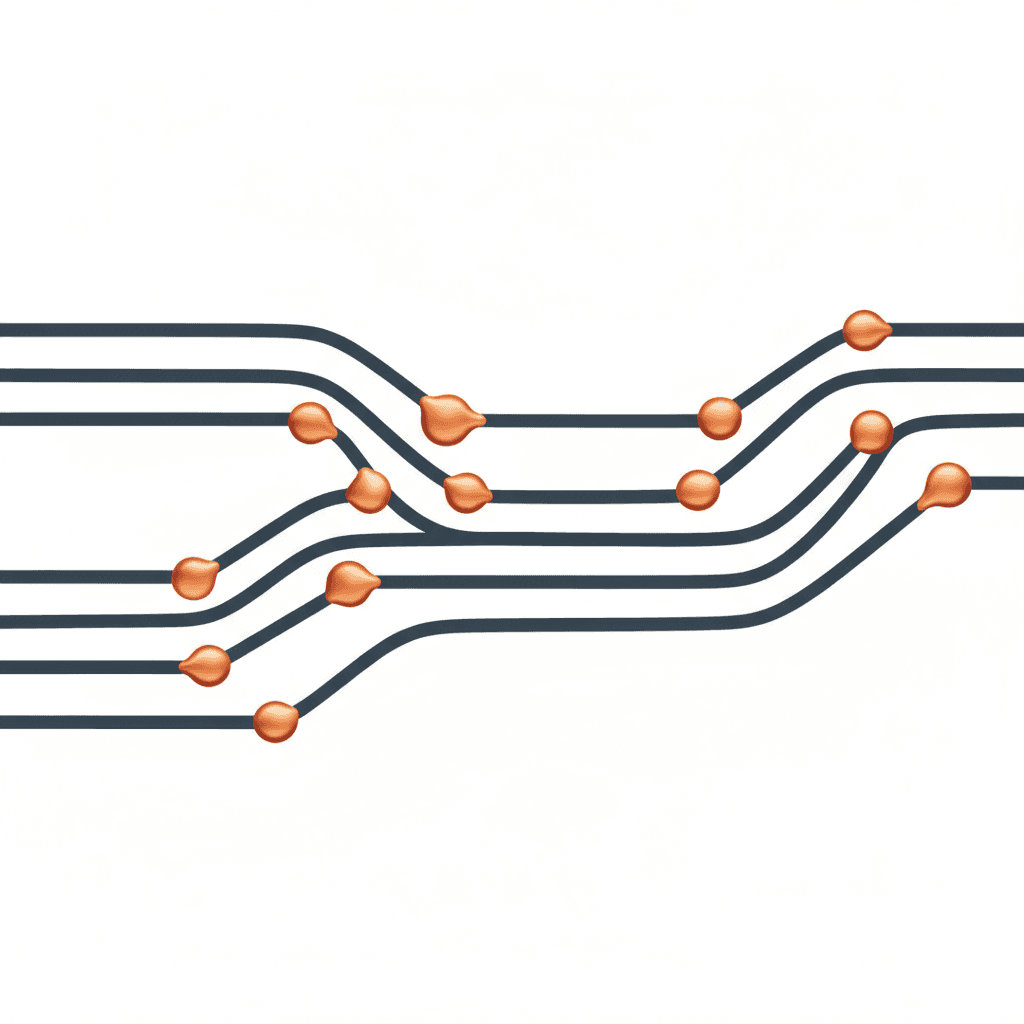
A branch is a parallel timeline. You create a branch to work on something without affecting the main version. When you're done, you merge your branch back.
A pull request (or merge request) is a formal proposal to merge one branch into another. It shows exactly what changed and lets others review before it's applied.
That's it. Everything else — rebasing, cherry-picking, submodules — is advanced tooling that most teams never need.
A Practical Example
Imagine your design team is working on a website redesign. Without version control:
Sarah opens the Figma file and starts redesigning the homepage. David opens the same file and starts working on the navigation. They both save. Sarah's homepage changes overwrite David's navigation work. David discovers this two hours later. Heated Slack messages ensue.
With version control thinking:
Sarah creates a branch called
homepage-redesignand works there. David createsnavigation-updateand works there. When both are done, they create pull requests. The team reviews each change independently. Both get merged into the main design file. Nothing is lost, everything is documented.
Version Control for Different Teams
Design Teams
The problem: Figma handles real-time collaboration well, but doesn't provide clear version history with descriptions. Large design systems evolve without anyone documenting why decisions were made. Past explorations are lost.
The approach:
- Use Figma's branching feature (available on Professional and Organization plans) for major design changes
- Maintain a changelog — a simple document where every significant design decision is recorded with date, author, and reasoning
- Archive past explorations instead of deleting them. Create a structured "Archive" page in your Figma file
- For exported assets (icons, illustrations, photos), store them in a Git repository with meaningful commit messages
Content Teams
The problem: "Final_v3_reviewed_APPROVED_needs-one-change.docx" — we've all lived this. Multiple stakeholders editing content with no clear record of what changed or why.
The approach:
- Write content in Markdown or plain text, stored in a Git repository. This gives you full version history with diffs showing exactly what changed in each revision.
- Use pull requests for editorial review. The editor sees exactly what the writer changed, can comment on specific lines, and approve or request changes.
- If Markdown is too technical for your writers, use a CMS with built-in versioning (Notion, Sanity, or even Google Docs' version history — just enforce naming conventions)
Here's what a content review looks like with Git:
## Our Approach

- We build software that works.
+ We engineer software that scales — from first user to first million.

- Our team handles everything.
+ Our engineering team handles architecture, development, and deployment.
+ Our design team handles UX research, interface design, and design systems.
Every content stakeholder can see exactly what changed, who changed it, and discuss each line.
Marketing Teams
The problem: Campaign assets (copy, images, landing pages) go through multiple revisions. After the campaign launches, nobody remembers which version of the copy performed better or why the hero image was changed three times.
The approach:
- Store campaign briefs, copy, and configuration in version-controlled repositories
- Tag versions that went live (
v1-launched,v2-ab-test,v3-winner) - Write commit messages that capture intent: "Updated hero headline to match SEO research findings from March audit"
Operations Teams
The problem: Configuration files, runbooks, documentation, and process definitions exist in various states of accuracy across wikis, shared drives, and emails.
The approach:
- Infrastructure as Code (for technical ops): Terraform, Docker, Kubernetes configs in Git repositories
- Documentation as Code: Runbooks and procedures in Markdown, reviewed through pull requests
- This means your disaster recovery plan, your onboarding checklist, and your deployment procedure all have version history. When something breaks, you can see exactly what changed.
Five Principles Any Team Can Adopt Today
You don't need to install Git to benefit from version control thinking. These principles work with any tooling:
1. Every Change Has a Description
Whether it's a commit message, a comment in Google Docs, or a note in your project management tool — every change should explain what changed and why. "Updated the pricing page" is useless. "Removed the Enterprise tier from the pricing page because sales data shows 0 conversions in 6 months" is gold.
2. Work in Branches, Not on Main
Never edit the "official" version directly. Copy it, make your changes, review them, and then merge them back. In Google Docs, this means duplicating the document, editing the copy, and resolving changes back. In Figma, this means using branches. In code, it means Git branches.
3. Review Before Merge
No change to a shared artifact goes live without at least one other pair of eyes. This catches errors, spreads context, and creates accountability. The review doesn't need to be formal — a quick "looks good" in a Slack thread counts.
4. Don't Delete — Archive
Deleting old work is tempting but destructive. You lose context, history, and the ability to reference past decisions. Archive instead. Create a clear structure — _archive/, a dedicated page, or tagged items in your project management tool.
5. Make Rollback Easy
Always structure your work so that reverting to a previous version is trivial. This means keeping clean backups, using version history features in your tools, and never overwriting a file without preserving the previous version somehow.
The Cultural Shift
The hardest part of adopting version control principles isn't the tooling — it's the habit change. Teams accustomed to "just edit the live document" need to build the muscle memory of branching, describing, reviewing, and merging.
Start small. Pick one high-value workflow — maybe your blog content pipeline or your design handoff process — and apply version control principles to it. Once the team sees the benefits (no more lost work, clear history, easier reviews), the principles spread naturally to other workflows.
The developers on your team already live this way. The gap between how engineers manage code and how the rest of the company manages creative work is enormous — and entirely closable. Not with complicated tools, but with a shift in how you think about change.